
CUSTOMER STORIES & EXAMPLES

Rental workflows
with SRS.

See how Mom’s Party Rental uses SRS for bookings, inventory and delivery, alongside two illustrative examples for other rental setups.

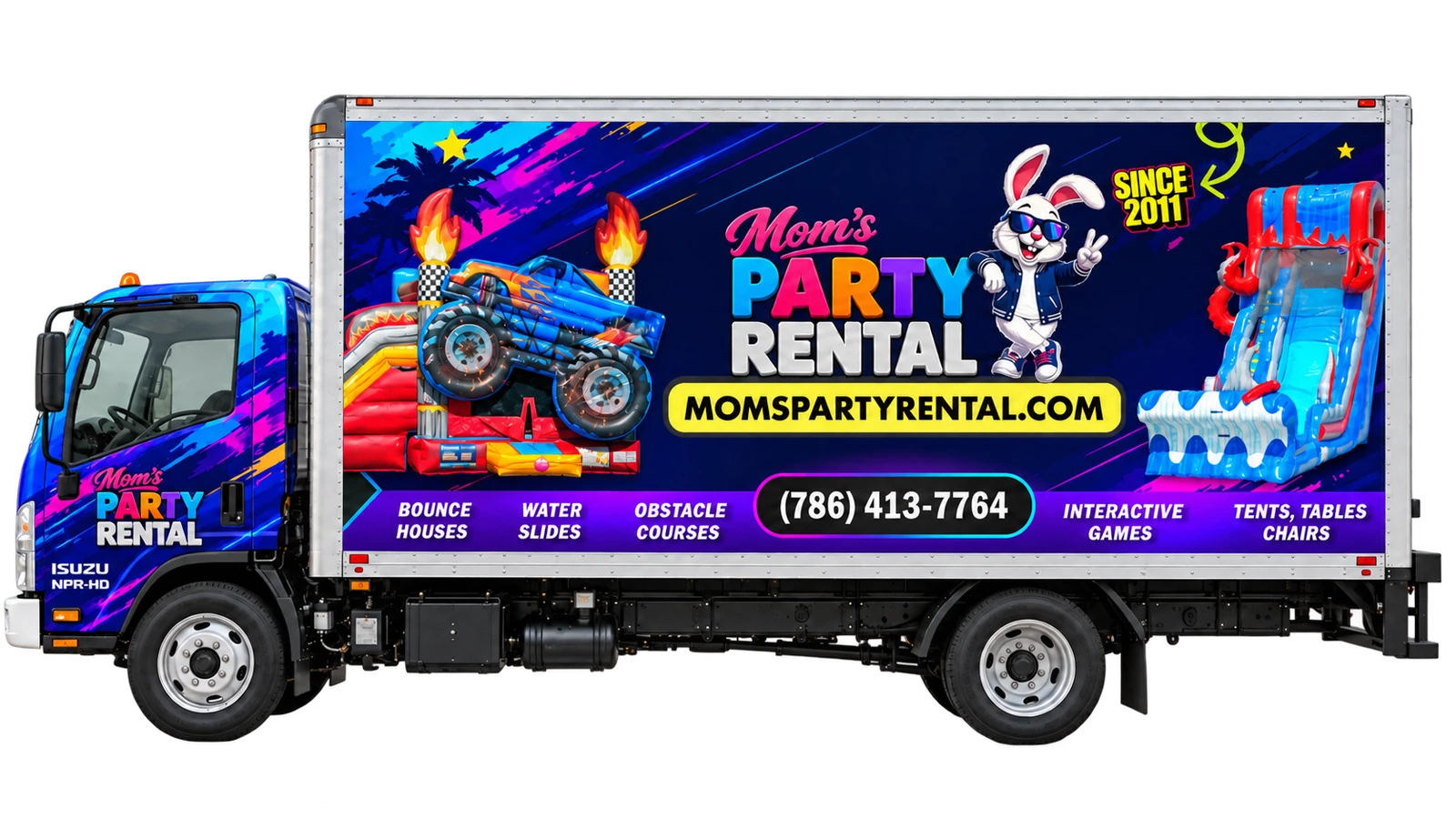
BOOKING AND DELIVERYMom’s Party Rental delivery truckMom’s Party Rental · South Florida

Mom’s Party Rental and SRS share ownership. This is a look inside our own business, not an independent endorsement.

Mom’s Party Rental

Party & event rentals · South Florida

Bookings, inventory and delivery in one workflow.

Mom’s Party Rental uses SRS for its party and event rental operation in Miami-Dade and Broward. SRS keeps equipment, rental dates, event details and customer notes together so the office and delivery team can work from the same order.

Workflow focusConnect booking details with packing, delivery and pickup.
01

Review each booking

Check rental dates, item quantities, the event location and customer notes in the order.

02

Prepare delivery and pickup

Review the equipment list, assign stops and check access instructions before dispatch.

03

Track delivery progress

Drivers can view their assigned stops and update progress. Office staff can review those updates alongside the order.

EXAMPLE ORDER

A water slide, tables and chairs can share one order with the rental dates, event address and delivery notes.

View booking and delivery tools

Staff access and delivery tools follow the permissions and settings configured for the business.

Fictional operator scenario. This is not a customer testimonial, a live account or a report of measured results.

Small rental teams

Small team · Backyard parties

Check availability and update saved bookings.

Small rental teams can check equipment for a selected rental period, save a quote and return to it when an order changes. The item list, delivery details and payment terms stay within the booking workflow.

Workflow focusManage new enquiries and booking changes in the same system.
01

Check rental availability

Review availability for the full rental period, including any configured turnaround time between bookings.

02

Update quotes and orders

Reopen a saved quote or order, adjust quantities or add items, and review the revised total and payment terms.

03

Confirm the current item list

Use the updated order to review equipment quantities and delivery notes before dispatch.

EXAMPLE ORDER

Add 20 chairs to a saved bounce-house quote, then review availability and the revised total before confirming.

Explore the booking demo

Availability checks use your configured inventory and turnaround rules.

Fictional operator scenario. This is not a customer testimonial, a live account or a report of measured results.

Tent and event rental teams

Larger setups · Multiple equipment types

Plan multi-item events with shared inventory.

SRS supports quotes that combine rental equipment, supplies and setup charges. Package contents draw from the same inventory as individual rentals, while order and stop notes hold the event’s timing and access instructions.

Workflow focusKeep equipment quantities, package contents and crew instructions connected.
01

Build an event quote

Keep tents, seating, supplies and setup charges on the same quote. Record the event location, access details and requested times.

02

Include package inventory

Define each package’s equipment so availability checks account for items that are also booked individually.

03

Prepare the crew’s stops

Review assigned deliveries and pickups with the equipment list, timing and site instructions.

EXAMPLE ORDER

A school event might include a tent, 15 tables and 120 chairs, with a side-gate instruction recorded in the delivery notes.

Discuss your setup

Your team still reviews equipment, staffing and site requirements for each event.